
You can upload the data feed file to Facebook Business from the computer, using a URL, or Google Sheets.
To add your data feed, follow the steps below:
- Log in to your Facebook Business account.
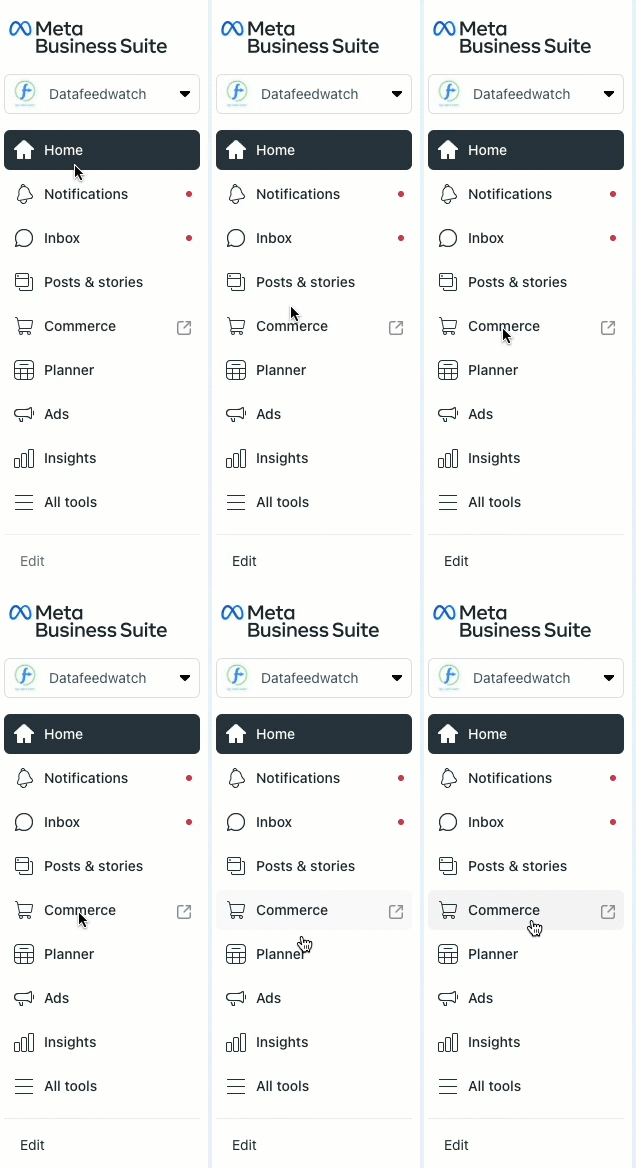
- Once you see your Meta Business Suite, head to the left-hand navigation.
- Click on the Commerce tab to enter your Commerce Manager.
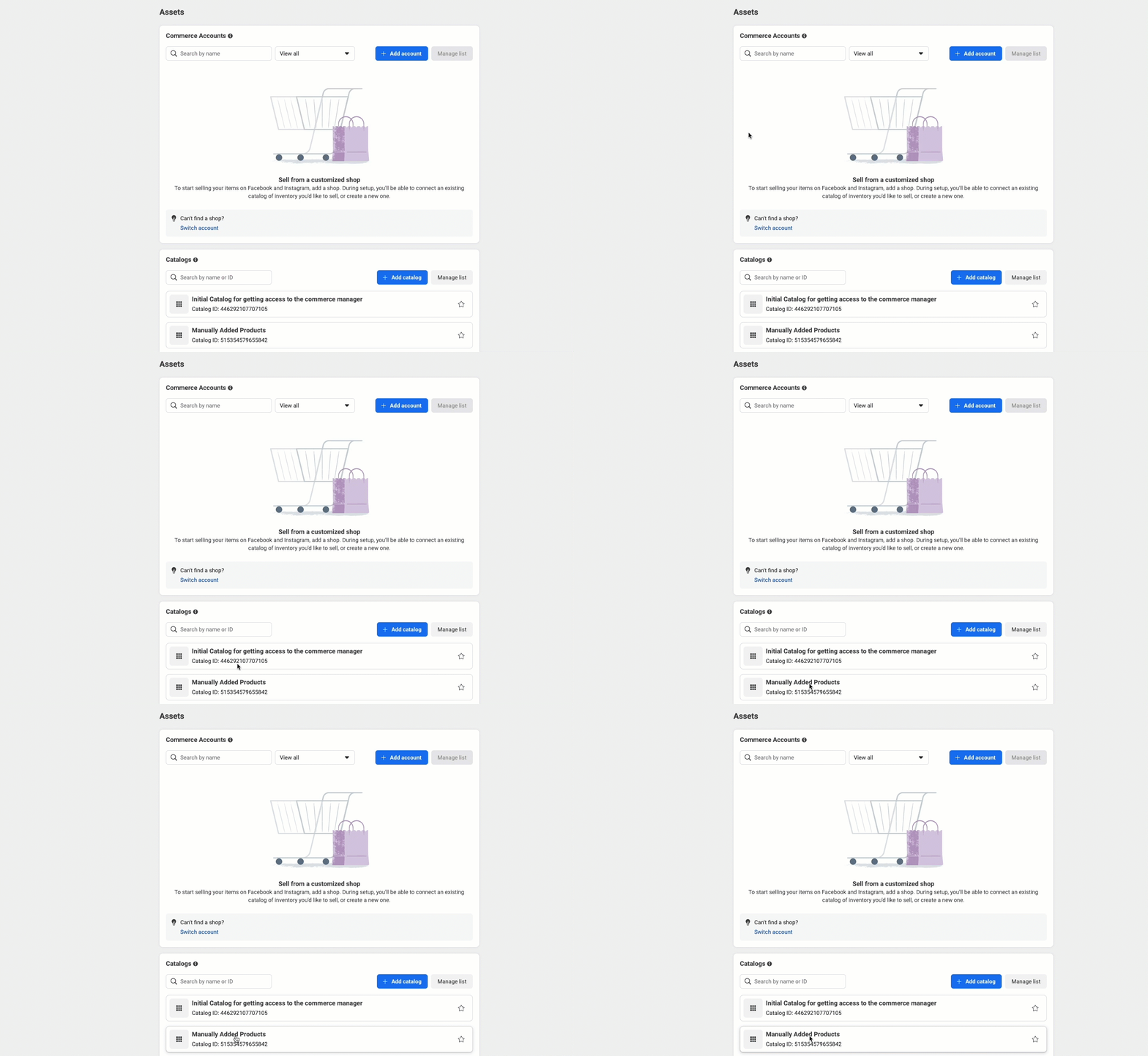
5. Once you are on the Overview screen, go to the left-hand navigation bar, and open the Catalog tab.
6. Click on Data sources.
7. In the Add Items menu, choose Data Feed.
8. From the menu, select Data Feed.
9. Click on the right-hand blue button Next.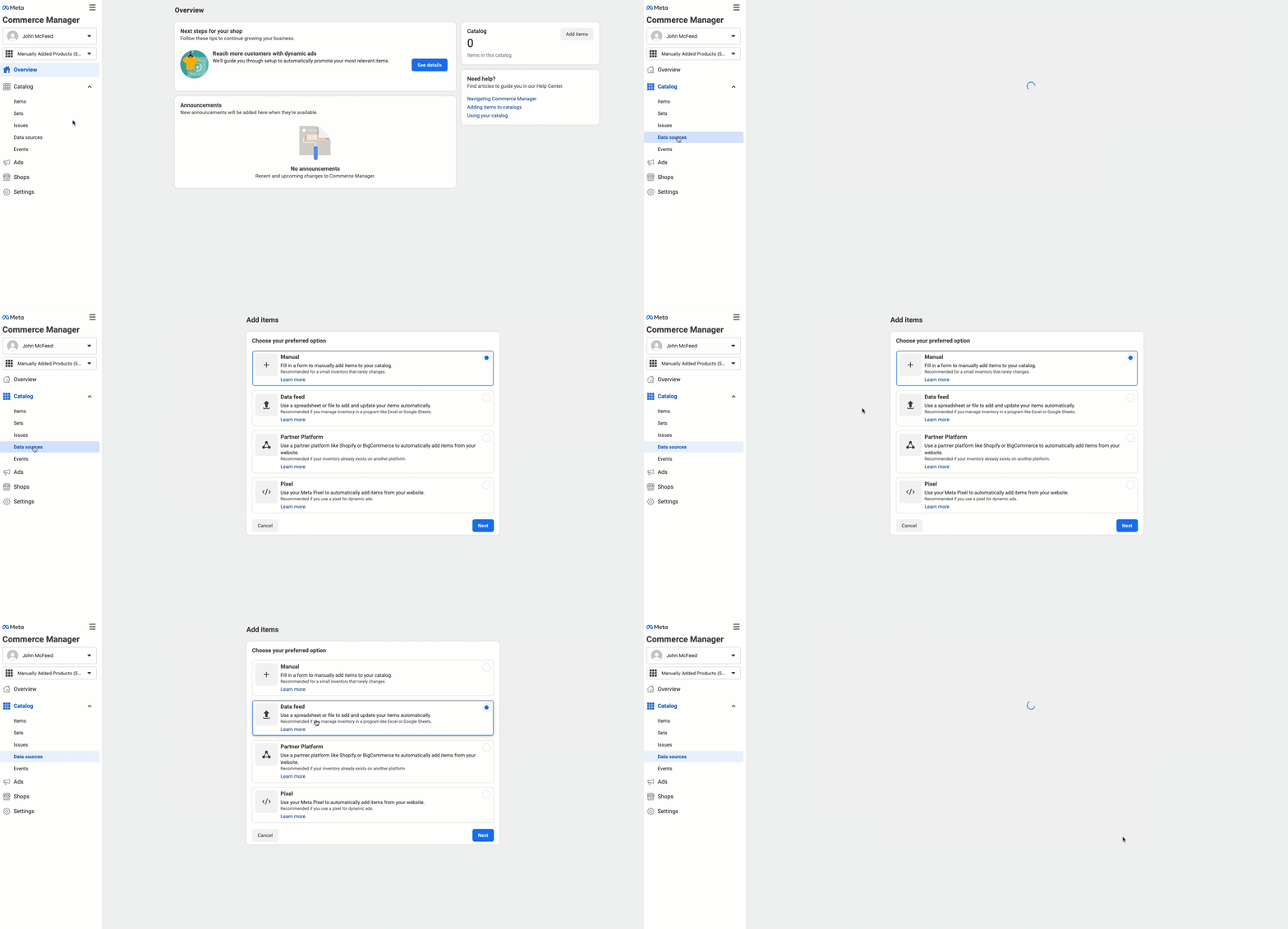
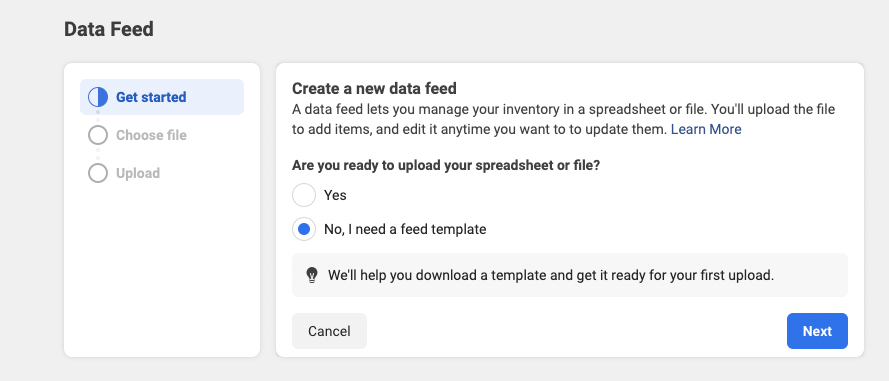
11. Select option 3. Upload your file to create a data feed, clicking on the grey button Upload.
12. Choose the option of how to upload your data feed file and follow the instructions provided by Meta.
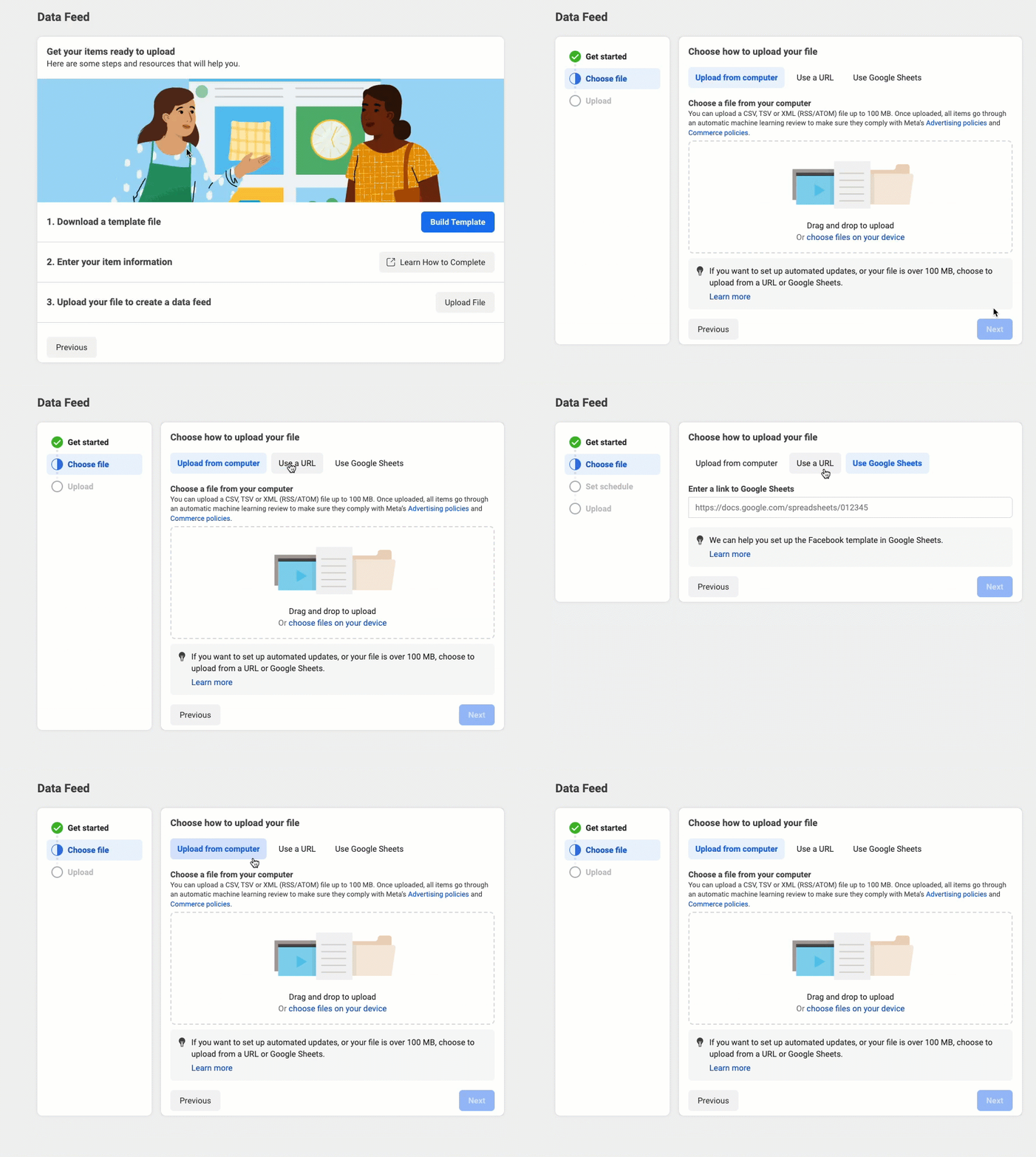
13. Once the file is uploaded, click on Next.
14. Look over the settings, and confirm if everything is correct.
15. Click on the Save Feed and Upload button.
To learn more about uploading your data feed file to Facebook Business, refer to Meta’s article 👉 How to create a data feed for your catalog using a template.