
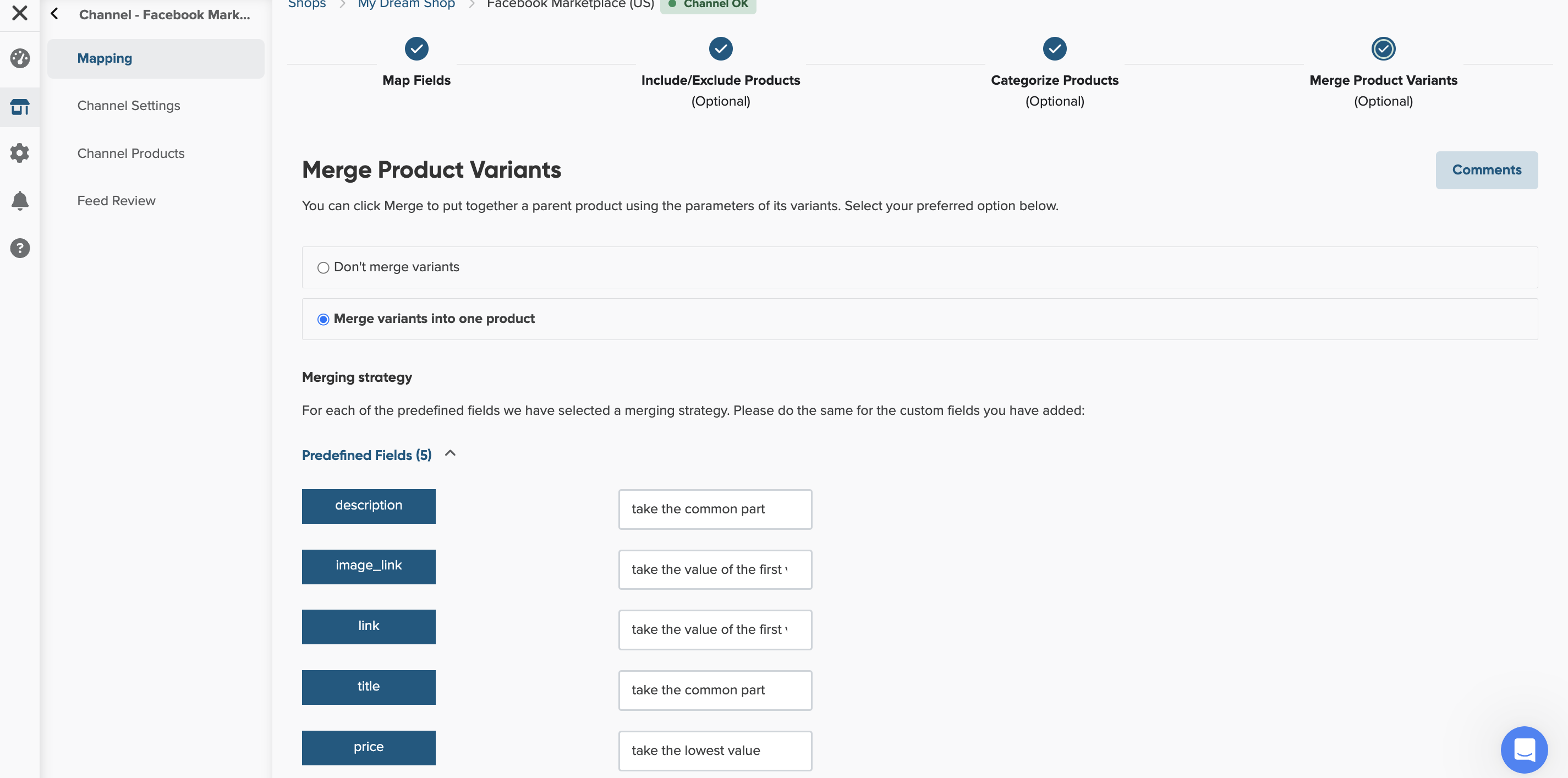
Most fields will be merged automatically, but the decision is up to you in some cases.
The available merge options are:
In DataFeedWatch, product variants are recognized based on the item_group_id rule created in your shop's Master Fields. This item_group_id field will be the product ID, unless a product has no variants.
To merge product variants in your Facebook feed:
- In DataFeedWatch, go to your shop.
- Select your Facebook Product Ads channel.
- In the Mapping page, click the Merge Product Variants tab.
- Select one of the merging options for each field.
5. Click Save and Finish