
By default we recommend you using Master Fields when preparing your channel mapping. But when you customize and adjust products for the specific market and channel, make sure you know how you can do this.
Terminology tip:
- Master Fields - rules pre-defined at shop level, later used accross your channels
- Input Fields - fields directly imported from your shop, without any subsequent modification
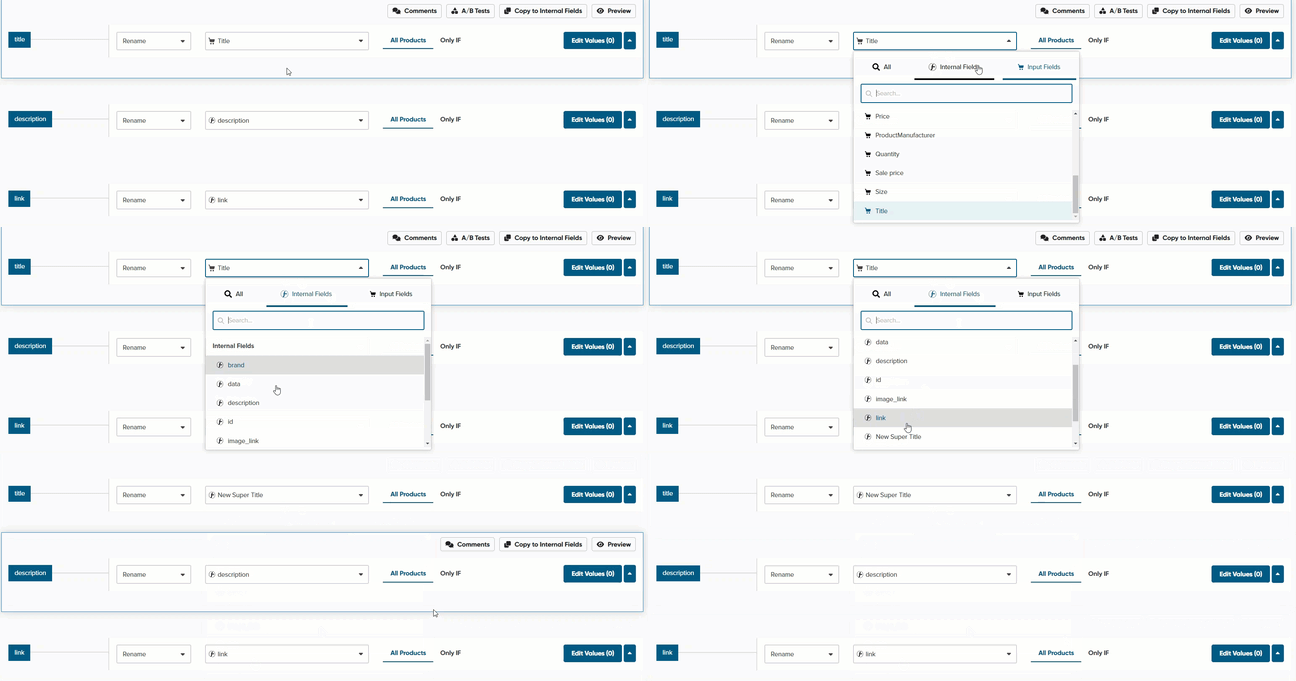
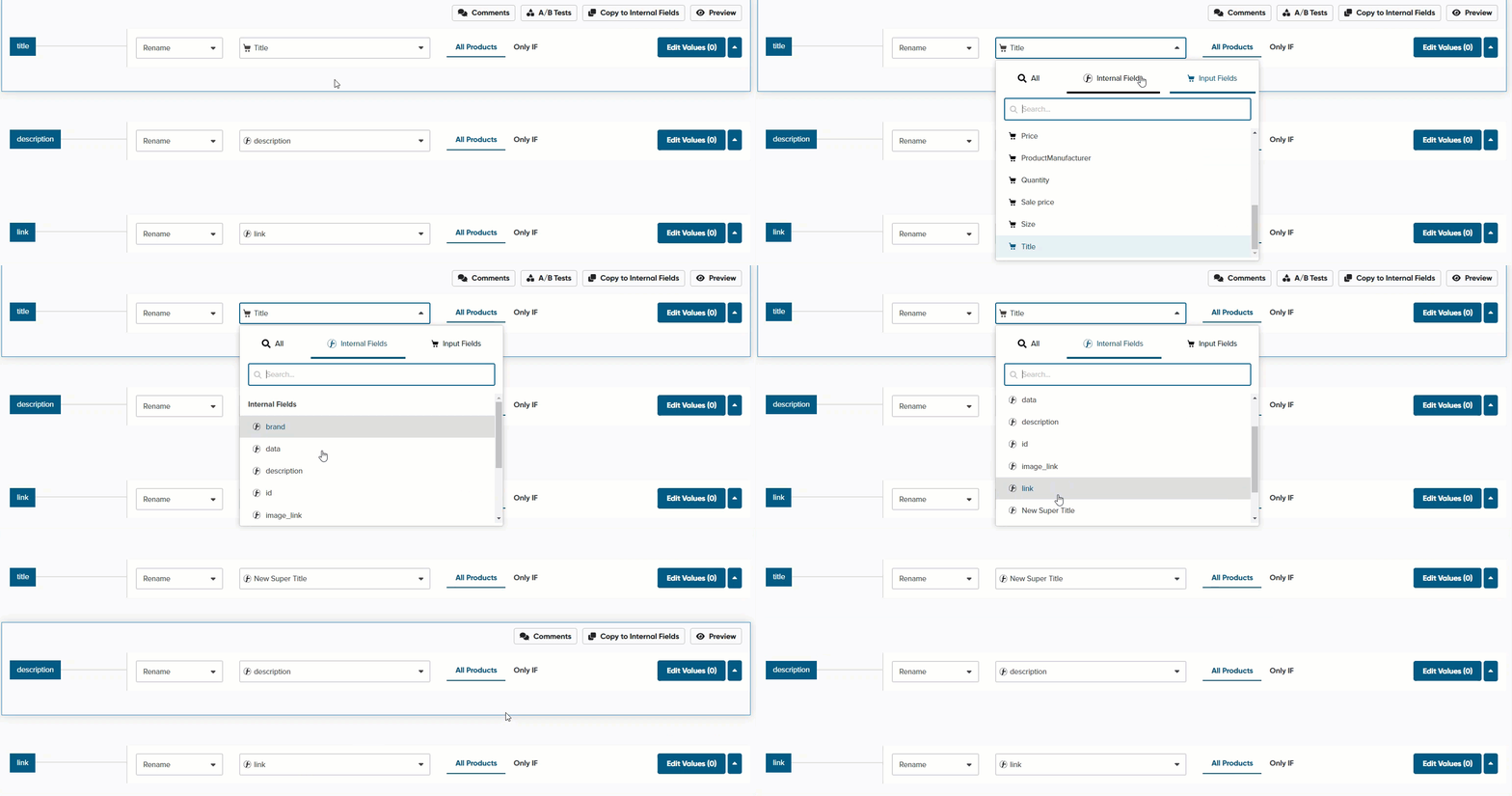
To use Master Fields in your Channel
- Select your channel -> Mapping
- In Map Fields tab, find a field that you need
- Choose your mapping method (e.g. Use)
- Choose Master Fields, and select the previously prepared Master Field
Master Fields are there to simplify and automate your work. They are fully customizable, and you can always choose whether or not to use them.