
Before you start:
2. Log in to your DataFeedWatch Account.
2. Navigate to Shops.
3. Click the button Add shop.
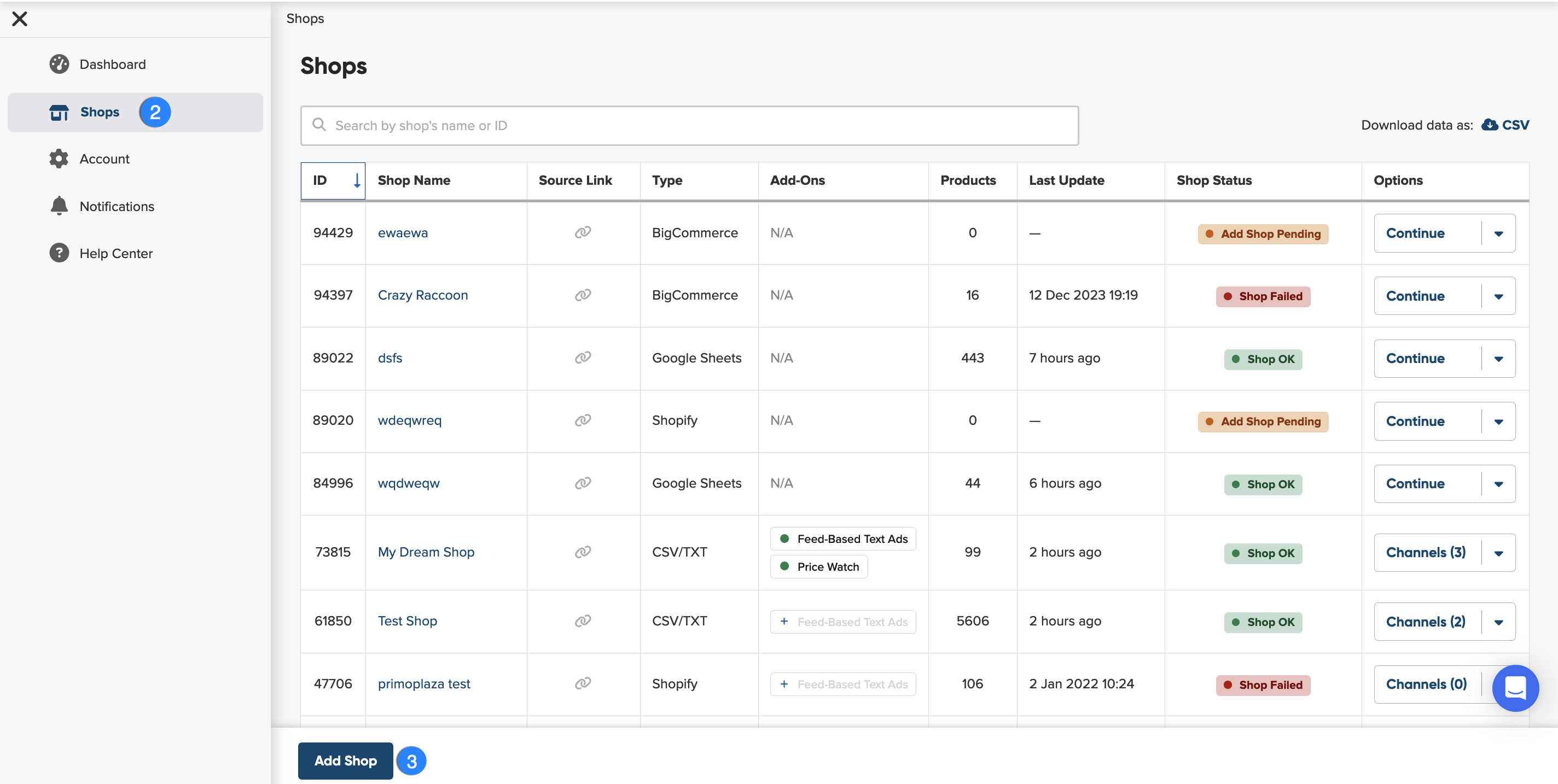
4. Before you select the (CSV/TXT, JSON, XML as an import file, you need to name your shop.
Why should you name your shop?
Giving your shop a name makes it easier to identify among others on your shop list. You can choose any name you like—it won’t affect feed optimization.
5. Next, you can start setting up your input feed.
What is input feed?
An input feed is the product data you import from your shop or another source so we can create an optimized channel feed.
To add CSV/TXT, JSON or XML as an input feed:
- When setting up your input feed, choose CSV/TXT, JSON, or XML, as an import file.
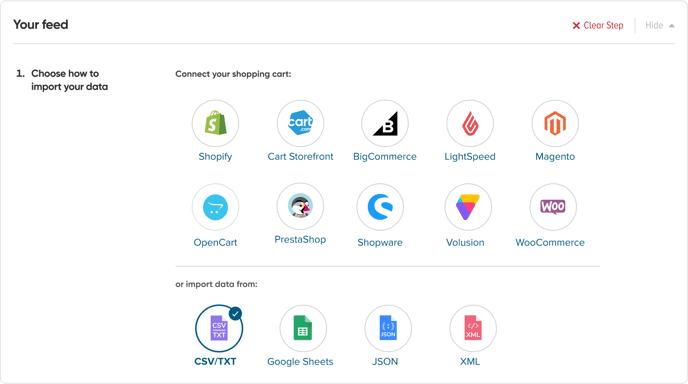
For TSV files, use the CSV/TXT option. It'll work just fine!
2. To import your file, you can either enter your file URL or upload a file from your device.

If you selected from URL option, remember to enable access to the file so that we can view it.
3. As you can see, when you enter the file URL, the URL protocol is set up automatically. You don’t need to select anything here if you’ve included the protocol in your URL.

4. Click Next: Update Schedule to continue.
Advanced Options
In DataFeedWatch, you can also add advanced settings, if needed.
- You can provide your login and password if your feed is protected.
- If you have selected an FTP server to connect your feed, you can indicate whether it's active or passive.
- Last but not least, you can provide your Regexp, if necessary.
When should you provide the regular expression (RegExp)?
If you want to import a different file to update your feed but keep the same pattern (regexp) in the file name, enter just that pattern here. We’ll automatically find and import it from the server.