
Such tax-related issues can usually be solved either in DataFeedWatch or directly in your Google Merchant Center.
Here's how to do that using the DataFeedWatch mapping section.
To solve the problem using DataFeedWatch:
- In DataFeedWatch, click on your shop's name.
- Choose the relevant channel.
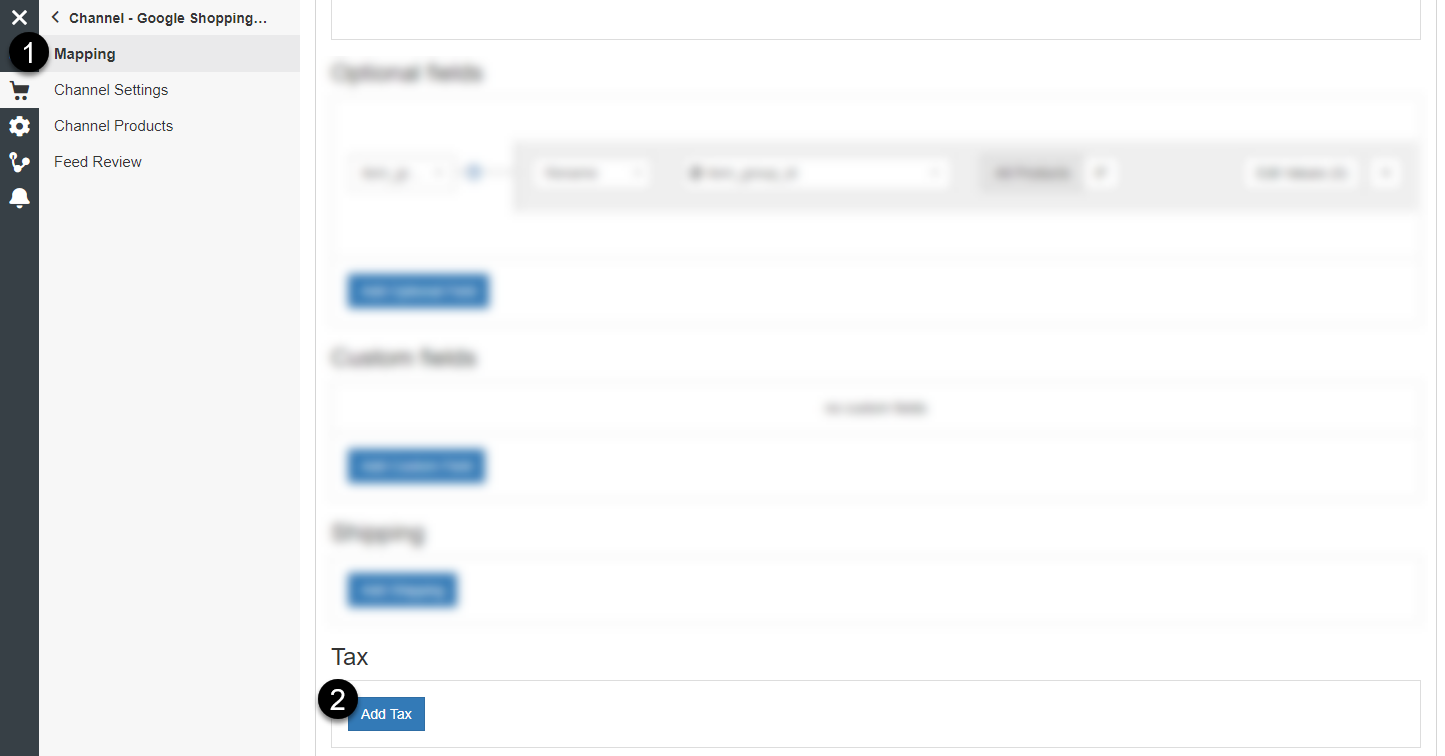
- In the Mapping page, scroll down and click Add Tax in Tax section.
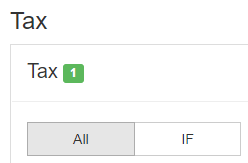
4. Select All to apply tax to all the products (or specify IF conditions)
5. Select the country from the drop-down list for the country field.

6. Select the field with tax rate in it.

You can also use other mapping methods, like Add static value with a given tax rate for all of your products.