
You can use this option to copy an Master Field with complex rules:
- to your other shops,
- or to save it as a new field in the same shop.
Workaround!
You can use this also to copy fields across channels in different shops. To do this, copy an existing rule from a channel to your shop's Master Fields, and then copy the Master Fields between shops.
To copy single Master Field, follow the steps below:
Make sure you've saved your Master Fields mapping before copying.
- In DataFeedWatch, click on your shop's name.
-
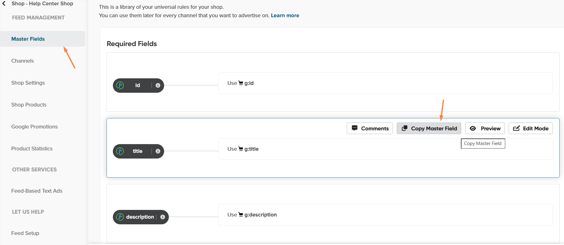
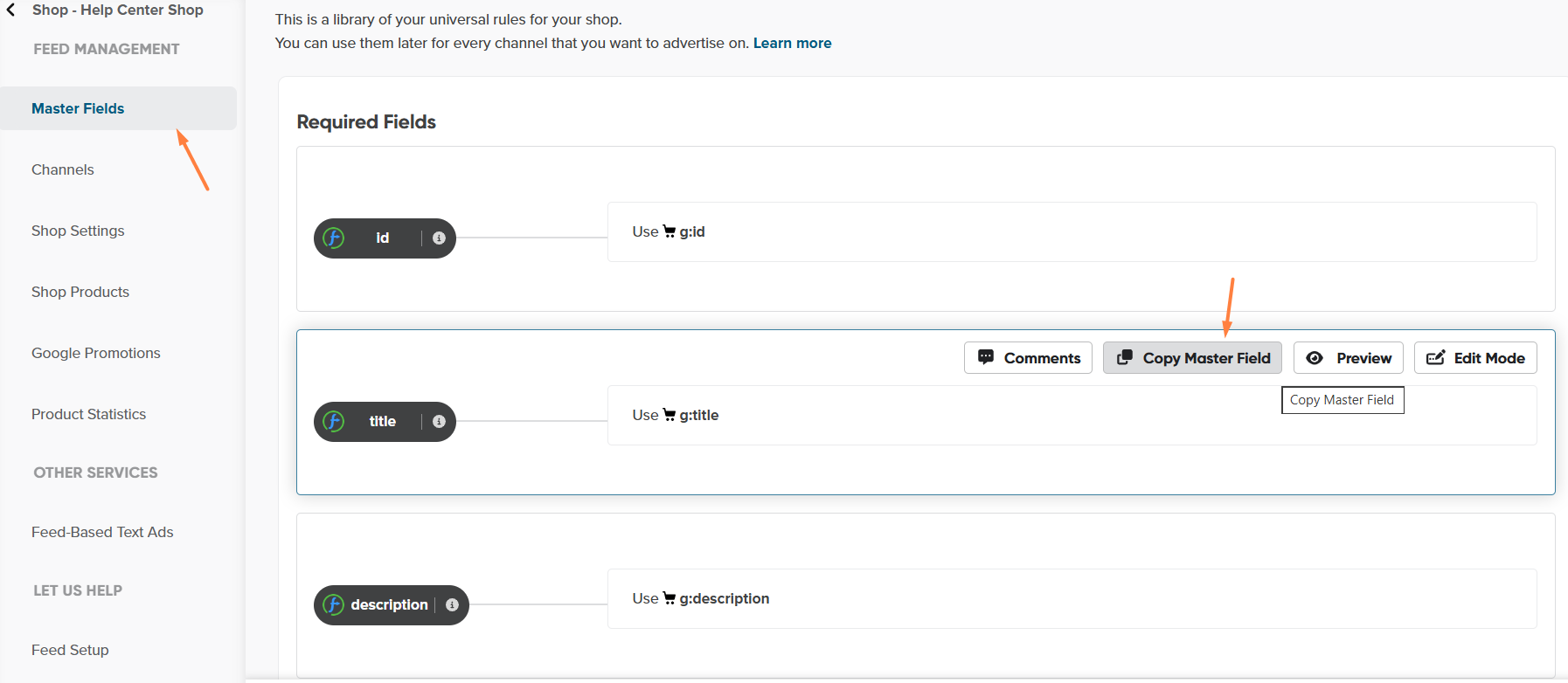
In the Master Fields page, move the mouse over a field, and click Copy Master Field.
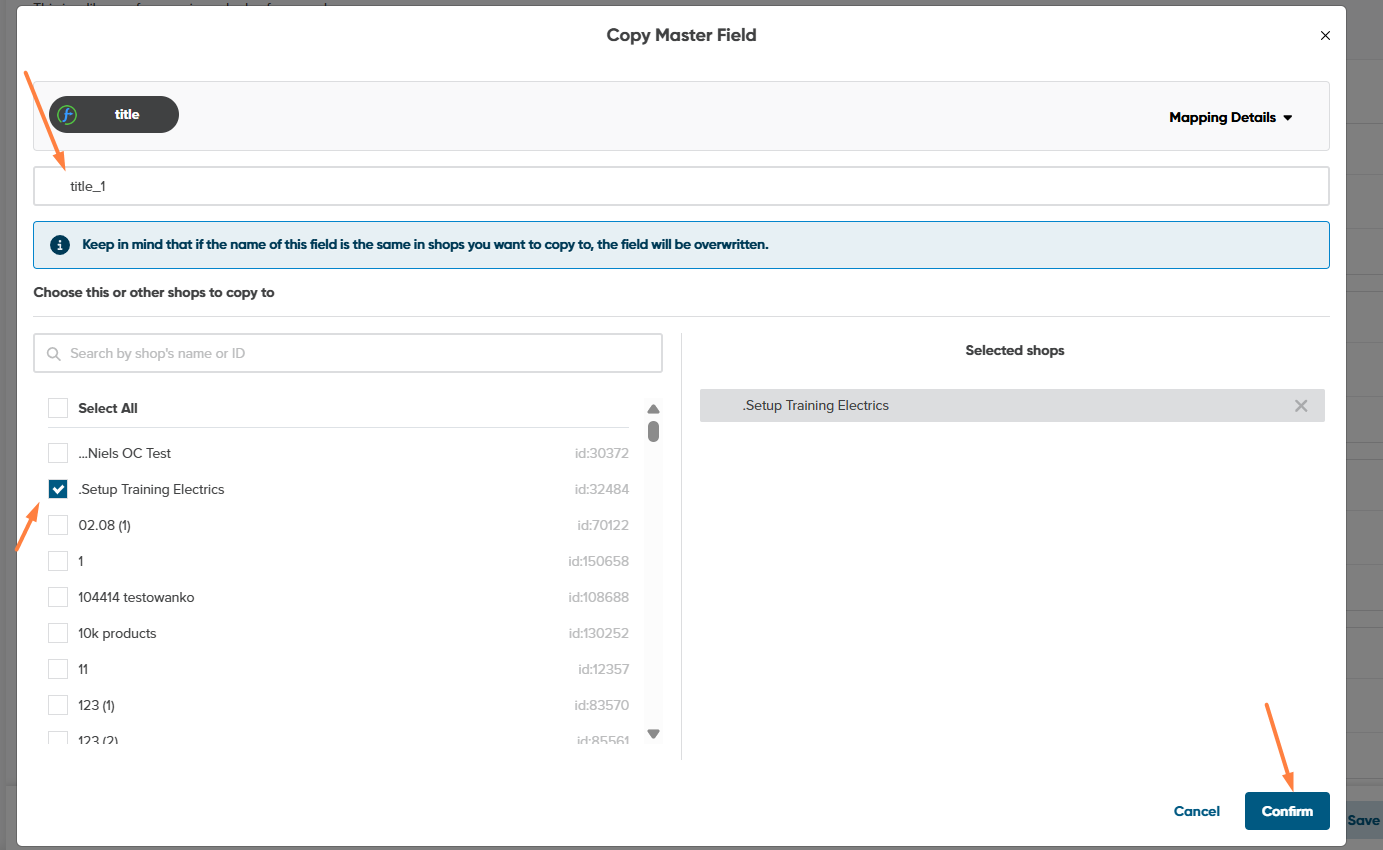
- Enter the name of your new field.
If the name is already used, we'll overwrite it in other shops.
4. Check the box next to shops you want us to copy this field to.
5. To copy this field, click Confirm.
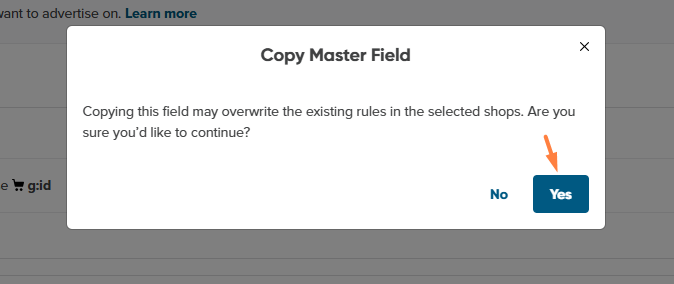
6. Make sure you'd like to proceed, and confirm your selection with Yes.
7. After it is copied, confirm with OK.
Your new field should appear in the Master Fields of the selected shops. You can start using it in your channels there.