
If you create a more or less complex mapping of a given field in the Map Fields tab, you can save it. It will be stored in Master Fields available in each channel.
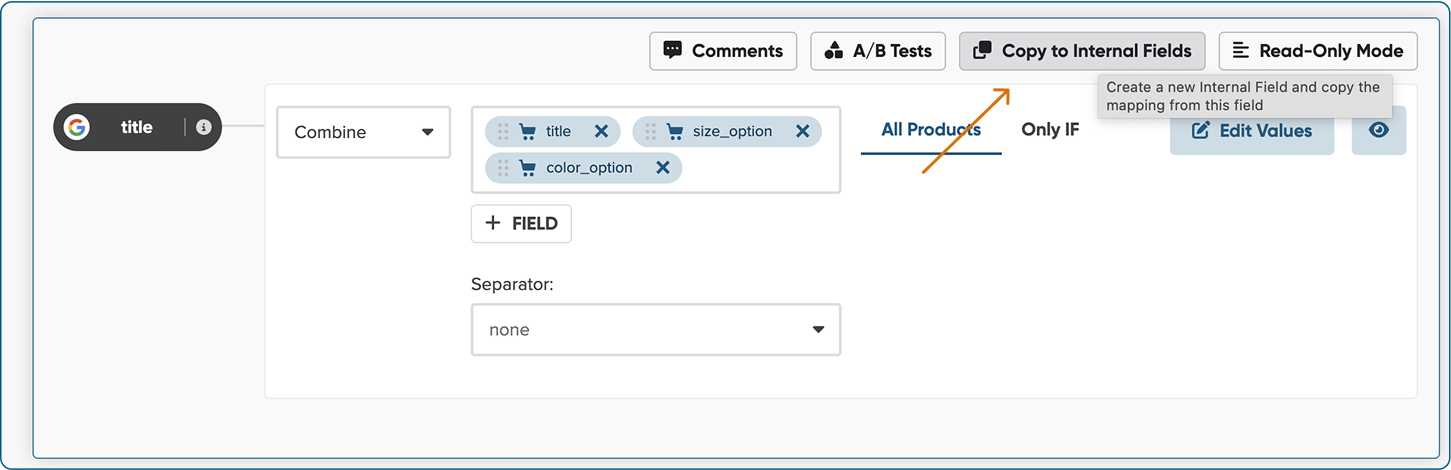
To create an Master Field from a mapping in your channel- Go to your channel -> Mapping.
- Hover over the field with a rule you'd like to save.
- Select the Copy to Master Fields button in the top right corner. What is important - you can copy only rule, which is NOT using any other Master Field. You can copy those rules, which are build within input fields.
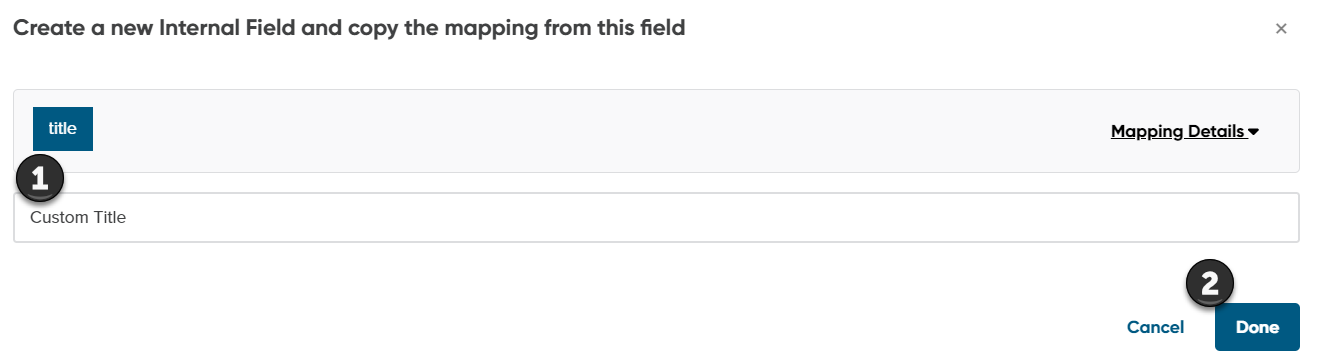
4. Enter the name for your new Master Field.
5. Click Done.
Now go to any other channel to use 'Use' with the newly created Master Field.