
Problem
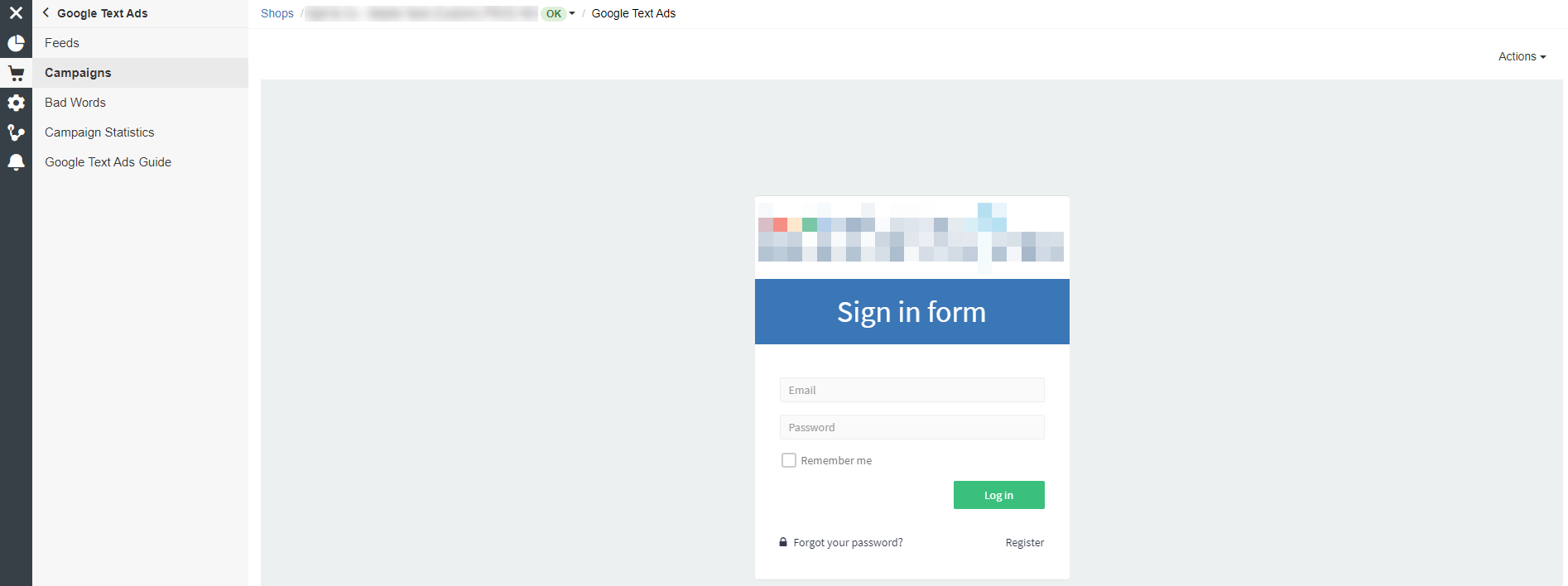
Sign in form appearing instead of Google Text Ads Campaigns page.
Solutions
- Disable Adblock, or open the page in a browser that does not block third-party cookies
- Try using a different browser than Google Chrome (e.g. Firefox)
- Or try to enable 3rd-party cookies in your Google Chrome browser (updating Google Chrome can also be a good idea)
- Go to Settings > Privacy and security > Site Settings
- Click Cookies and site data
- Switch Block third-party cookies to Off

-
- In Google Chrome, access chrome://flags/
- Set the following values to default:
SameSite by default cookies
Enable removing SameSite=None cookies
Cookies without SameSite must be secure