
Some products need a different approach to reach their potential. If part of your catalog consistently underperforms, testing a more relevant title, a different image, or another field value may help improve results.
With Google Ads performance data in DataFeedWatch, you can apply these changes specifically to products that don’t meet your performance goals.
This helps you:
- Test improvements where they’re needed without changing your entire catalog.
- Save time by applying changes to products that match your performance conditions.
- Learn what works by reviewing performance after the updated content has been used.
For example, you might hypothesize that your long-tail products would perform better with more descriptive titles. You can apply a new title structure to these products, then check whether their results improve enough to move from Underperforming to Solid Performers, based on your segment definitions.
💡 Start with a clear hypothesis. For example: “Adding the brand and product type to underperforming products’ titles could help shoppers better understand what we’re selling.” Test one change at a time to make the results easier to interpret.
How to improve content based on performance
Before you start, make sure your Google Ads account is connected and performance data is available for your products.
For this example, we’ll change the title structure for products with a ROAS below 2 over the last 30 days.
1. Find the field you want to improve. Go to your channel’s mapping and select a field, such as Title. You can also use this approach for an image field or another field you want to update.
2. Define the new field value. Set the mapping operation and the value or structure you want to use. For example, build a more descriptive title using your existing product fields:
Brand + Product type + Model + Color
Choose a structure that adds useful information and fits your products. Check that it doesn’t duplicate details already present in the title.
💡 Want to test a different image? Open your channel’s image field and map it to a source field containing an alternative product image. Make sure the image meets the destination channel’s requirements.
3. Select Only if. Choose Only if to apply your change to products that match a condition.
4. Add a performance condition. In the condition’s Select field, open the Google Ads tab and select ROAS for the last 30 days. Choose is less than and enter 2.
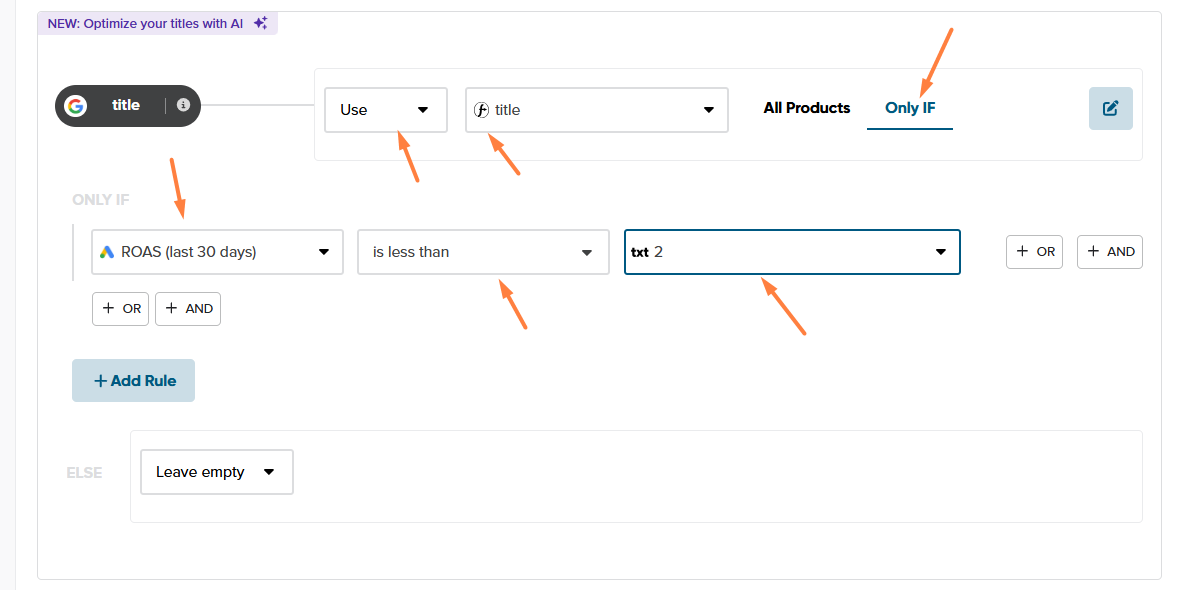
Your rule now means: Use the new title structure only if the product’s ROAS over the last 30 days is below 2.
Products that don’t match this condition follow the other rules in your mapping.
💡 Use enough data to make a meaningful decision. ROAS 2 is only an example. Choose a threshold that fits your business and consider adding a minimum traffic or spend condition. Low traffic or missing data doesn’t necessarily mean a product’s content needs improvement.
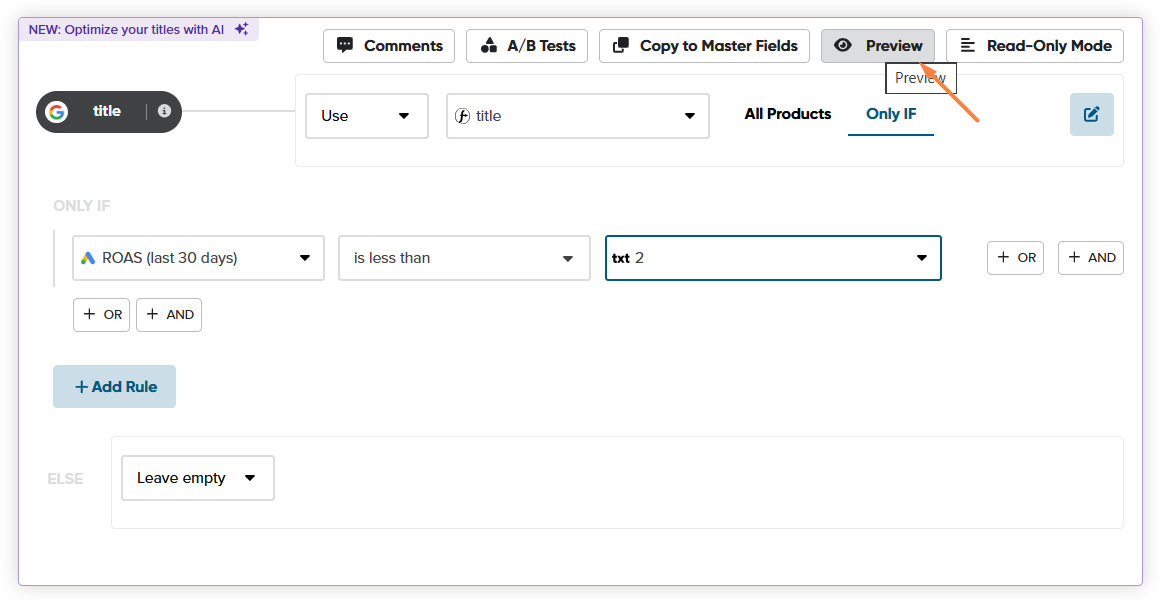
5. Check the results in Preview. Adjust your mapping or conditions if the results don’t match your expectations.
Use Preview to check:
- Which products match your performance condition.
- How their updated titles, images, or other values will look.
6. Save your mapping. Save your changes. When the feed is next generated, products matching your condition will receive the updated field values in this channel’s output feed.
7. Review performance after the change. Allow enough time for the updated content to be used and for new performance data to accumulate. Then compare the results with the period before the change.
Did the affected products improve? Did any move from Underperforming to Solid Performers under your labeling rules?
Keep, refine, or replace your approach based on what you learn. Remember that changes in budget, bidding, pricing, or seasonality may also affect results.
💡 Performance conditions are dynamic. As a product’s performance changes, it may stop matching your condition and no longer receive the alternative content. Keep this in mind when reviewing results or deciding whether to retain a successful change.