
Problem: Empty Field
Our preliminary checks indicate you the points you can improve. These are just our suggestions, and they won't necessarily negatively impact your channel's performance.
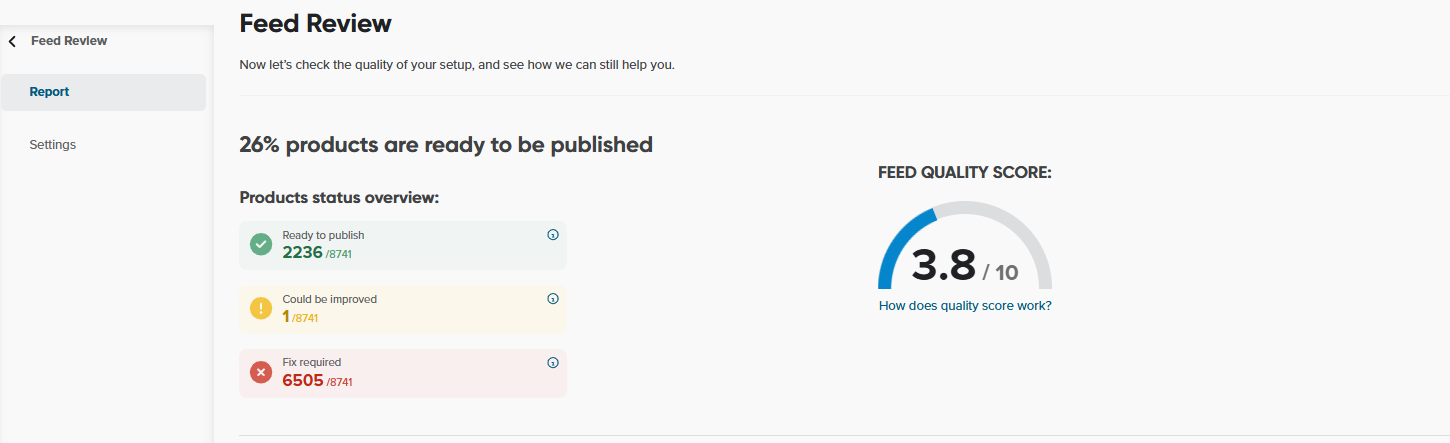
In most cases it's caused by copying values from a shop field that is empty for some products.
The products with the required information missing (in the Required Fields), may result in your products being rejected. This is when you see Fix Required in Feed Review.
The situation is better, if information is missing in the Optional Fields. Such products will be delivered to your channel. But hey, remember that the more details you provide, the better performance of your campaign.
It may also happen, that some field shows errors that you would like to ignore. You can then ignore checking such field. Find out how by reading the article Configuring Feed Review: Settings.
Solutions
- Check Show Products to find for which products the fields are empty and why
- Check the Mapping section for errors
- Create IF rules to collect values from another field if the field is empty
Avoid using Leave Empty option in the mapping—include other field if the value is missing.
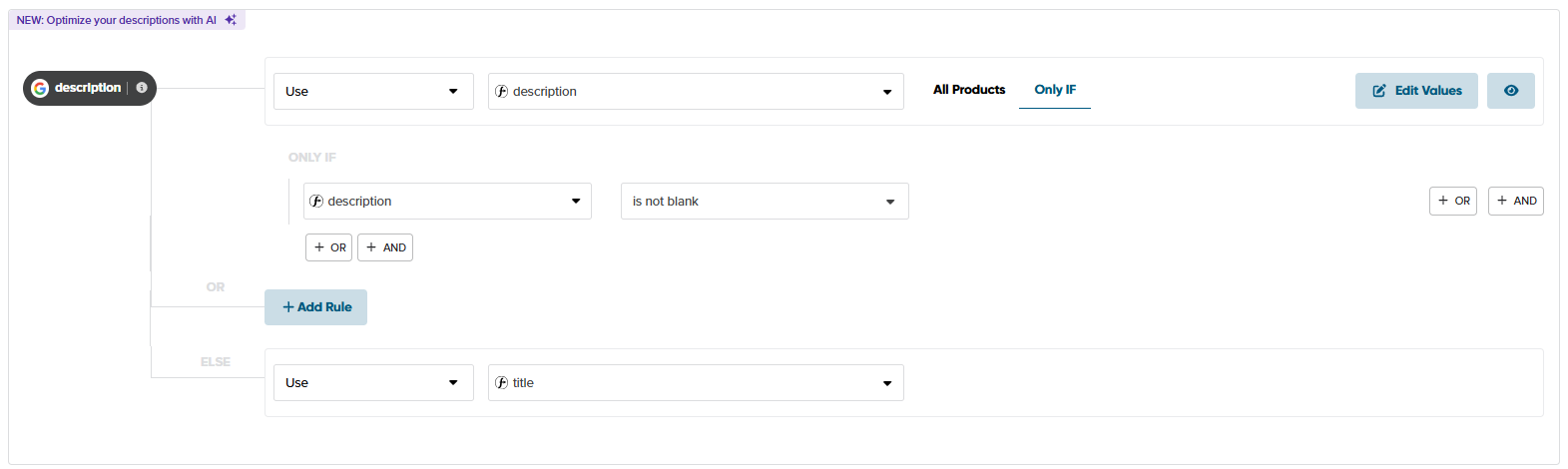
- 4. Or include the missing information in a CSV file, and use
To learn more, check out the following articles:
- How can I check my Input Feed?
- How can I check my Output Feed for a channel?
- Main Mapping Types: Lookup Table (Google Spreadsheet)